All-in-one booking with CalendarSchedule
Create a booking page, share the link, and let others book time with you instantly.
Your availability stays in sync and every appointment lands automatically in Google Calendar.
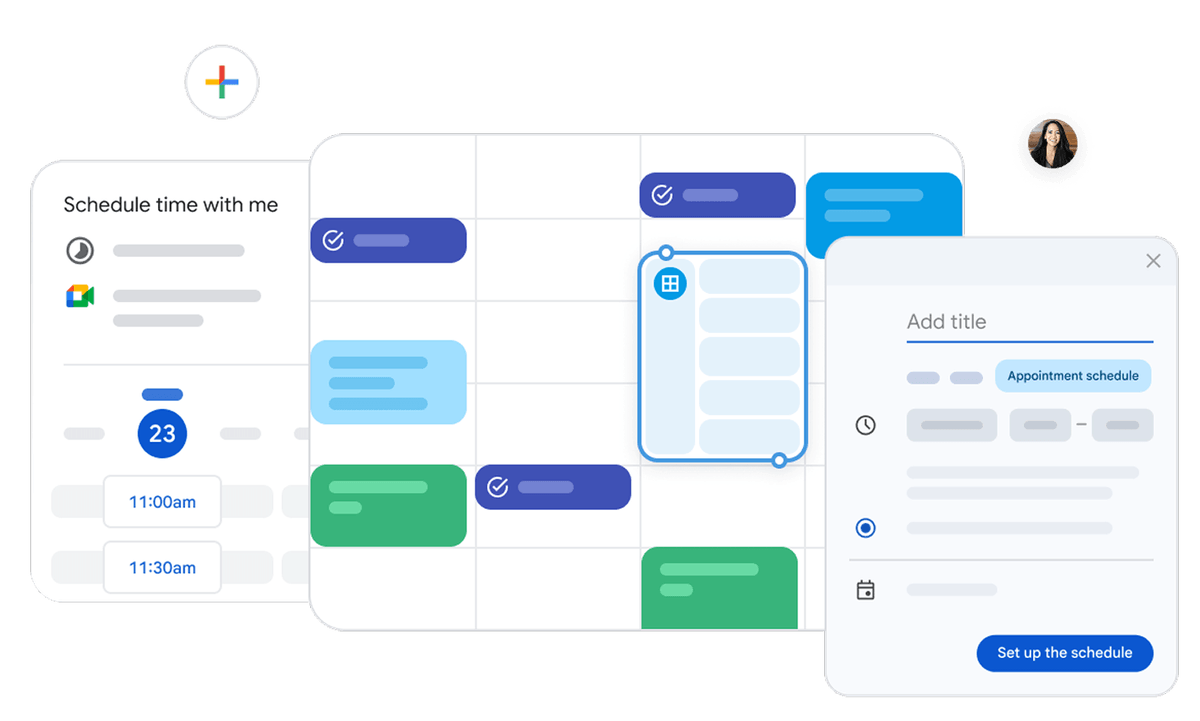
Appointment scheduling
for Google Calendar
Let others book time with you directly in Google Calendar
All-in-one booking with CalendarSchedule
Create a booking page, share the link, and let others book time with you instantly.
Your availability stays in sync and every appointment lands automatically in Google Calendar.
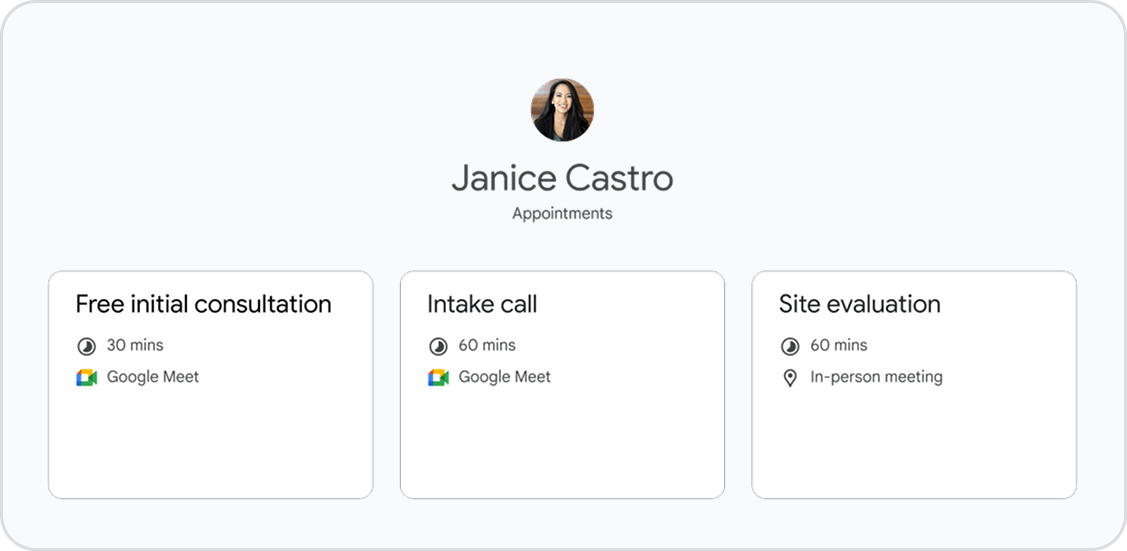
Set up multiple booking pages
Create and publish multiple booking pages for different services or appointment types. Share individual booking pages or a consolidated page that lists all your appointments.
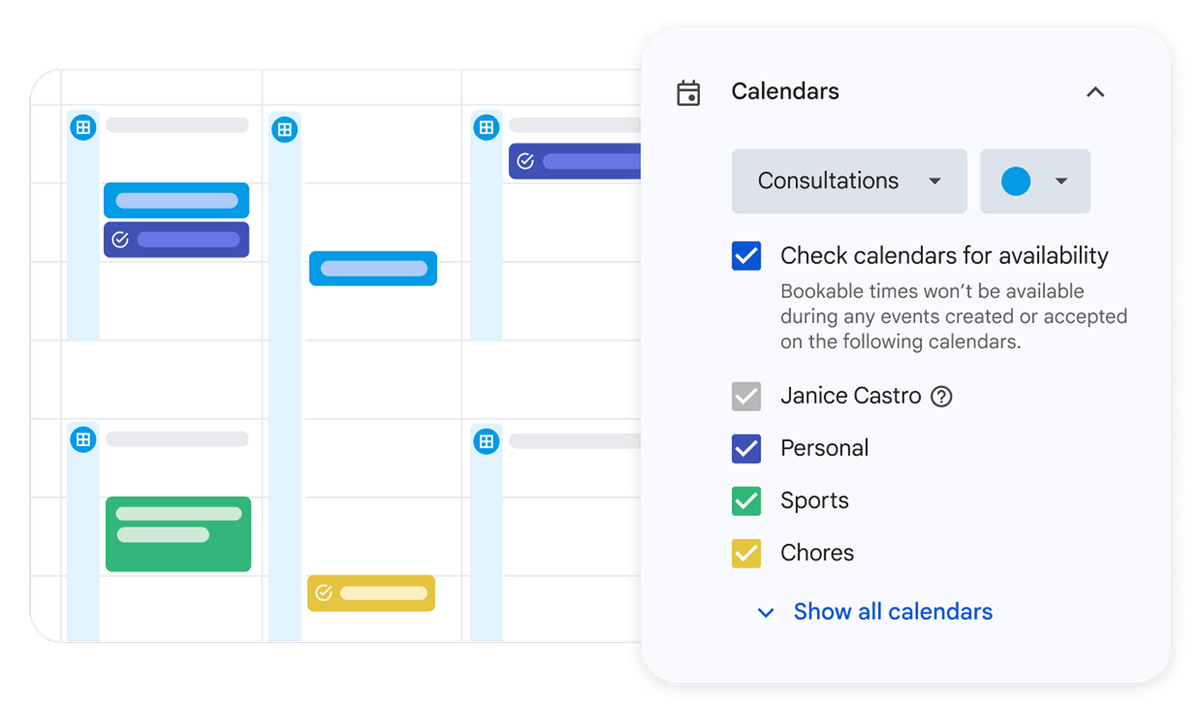
Conflict detection across all calendars
Your booking page shows real-time availability across all your calendars.
Any new event instantly updates it, preventing double-bookings automatically.
Get started in 3 steps:
1
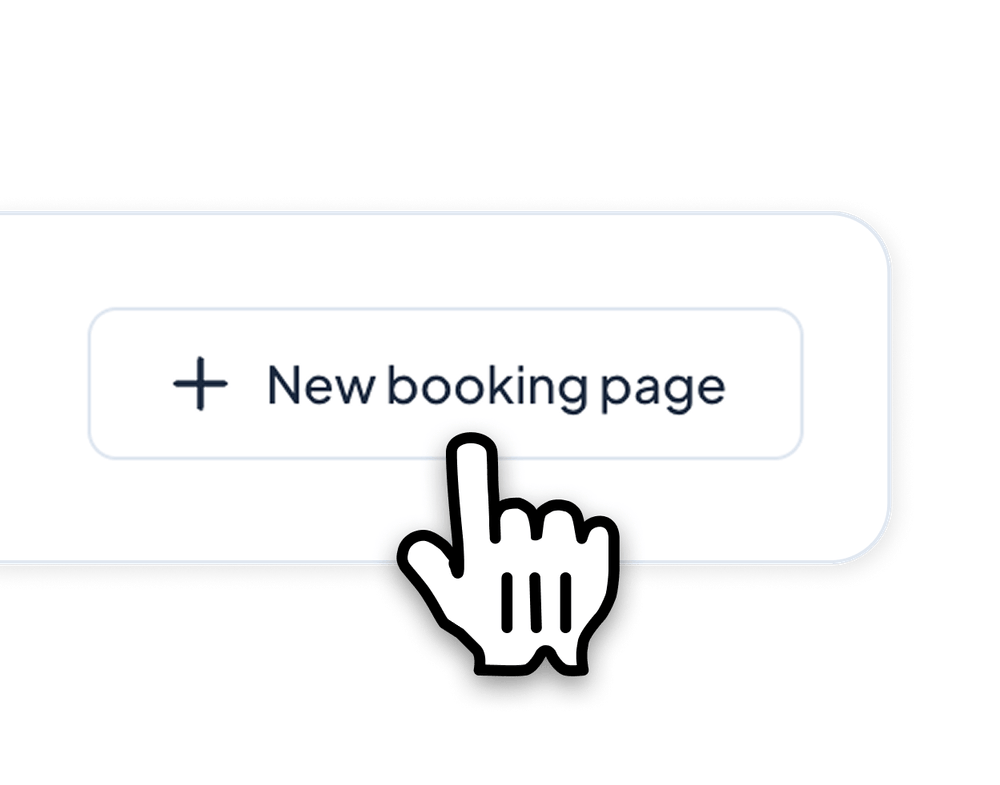
Create a booking page in Google Calendar
2
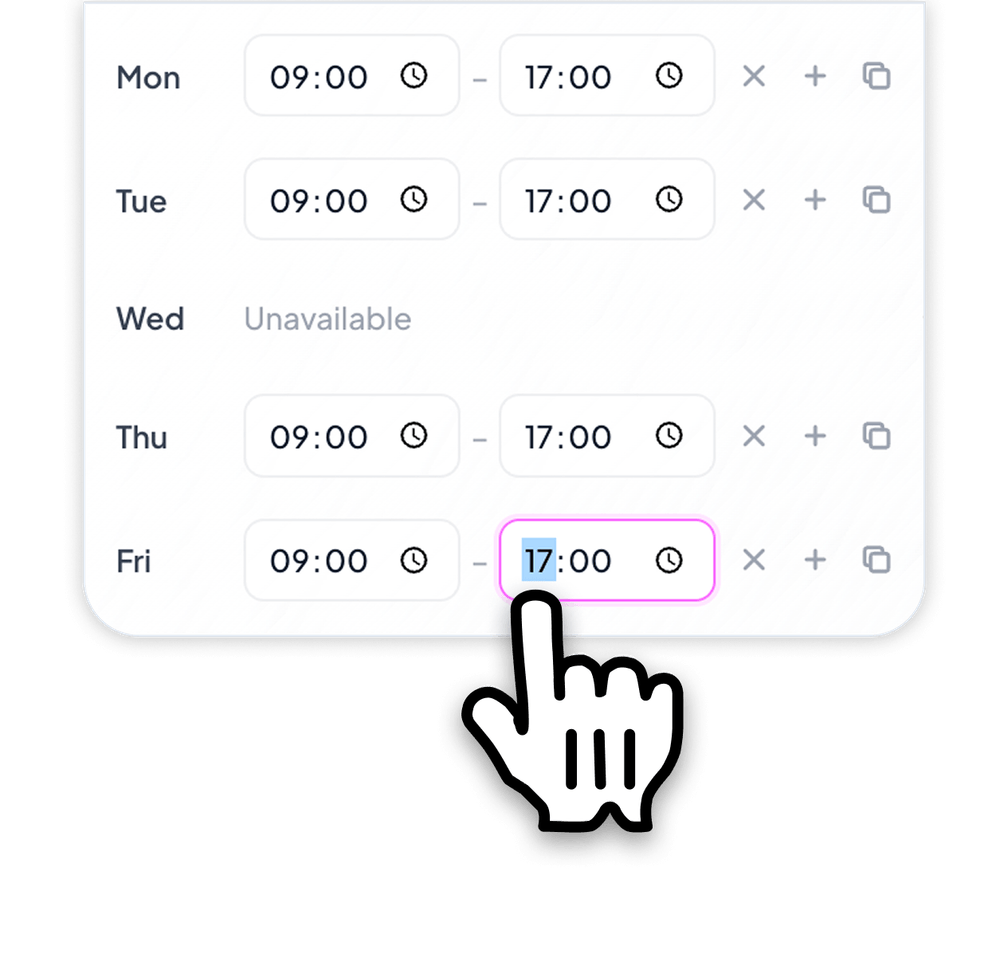
Customize appointment details
3
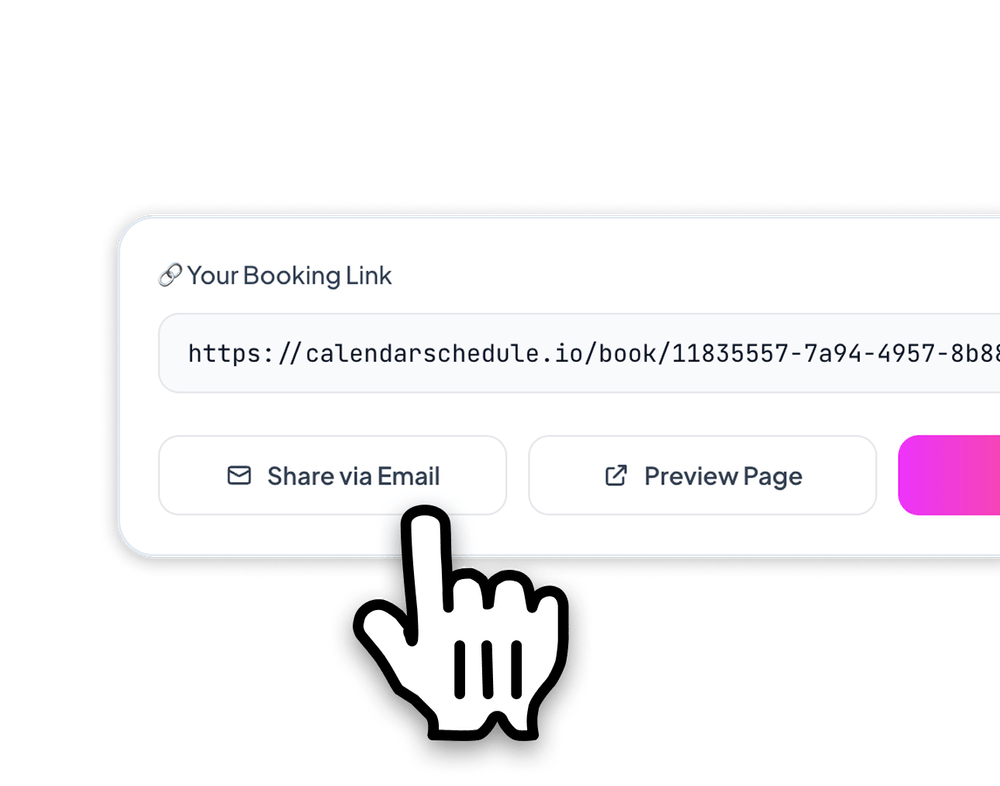
Share your booking page